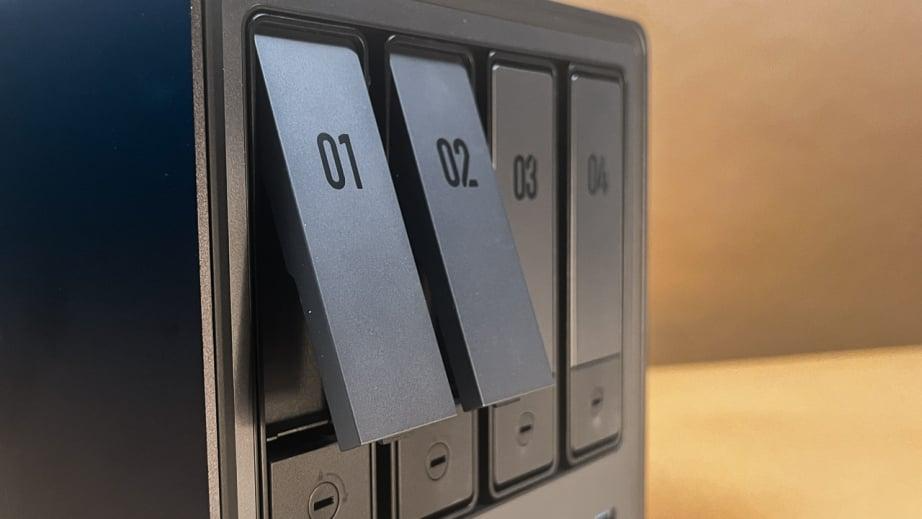
When Sarah’s laptop crashed last month, she lost years of family photos and critical work documents stored only on her local drive. Meanwhile, Tom’s small business fell victim to ransomware, with attackers encrypting files spread across multiple office computers. These scenarios highlight a growing problem: our valuable digital assets are increasingly vulnerable when scattered across various devices. Network storage drives, particularly Network Attached Storage (NAS) systems, offer a robust solution to this digital fragmentation. By centralizing your files in a secure, accessible location, these systems provide both protection against data loss and convenient access from any device. Modern NAS solutions combine enterprise-grade security features with user-friendly interfaces, making them ideal for both home users and small businesses seeking to safeguard their digital lives. Instead of wondering which device holds that important document or worrying about backup status, a properly configured network storage system ensures your data remains protected, organized, and available whenever you need it.
Understanding Network Storage Drives: Beyond Basic Storage
Network Attached Storage (NAS) represents a significant evolution beyond traditional storage solutions. Unlike external hard drives or USB storage devices that connect to a single computer, NAS systems operate as dedicated file servers on your network. At their core, these systems consist of multiple drive bays housing hard drives or SSD NAS, powered by specialized processors and operating systems optimized for file serving and data management. The true power lies in their RAID (Redundant Array of Independent Disks) capabilities, which can mirror or stripe data across drives for enhanced performance and reliability. This centralized approach transforms how tech-savvy households manage their digital assets, creating a unified storage hub accessible to all connected devices. Modern NAS systems can handle everything from document storage to media streaming, while providing enterprise-grade features like user access controls and automated backup systems. For home environments where multiple family members need reliable access to shared files, NAS solutions eliminate the confusion of scattered storage locations while maintaining professional-level data security and organization.
Essential File-Sharing Protocols Demystified
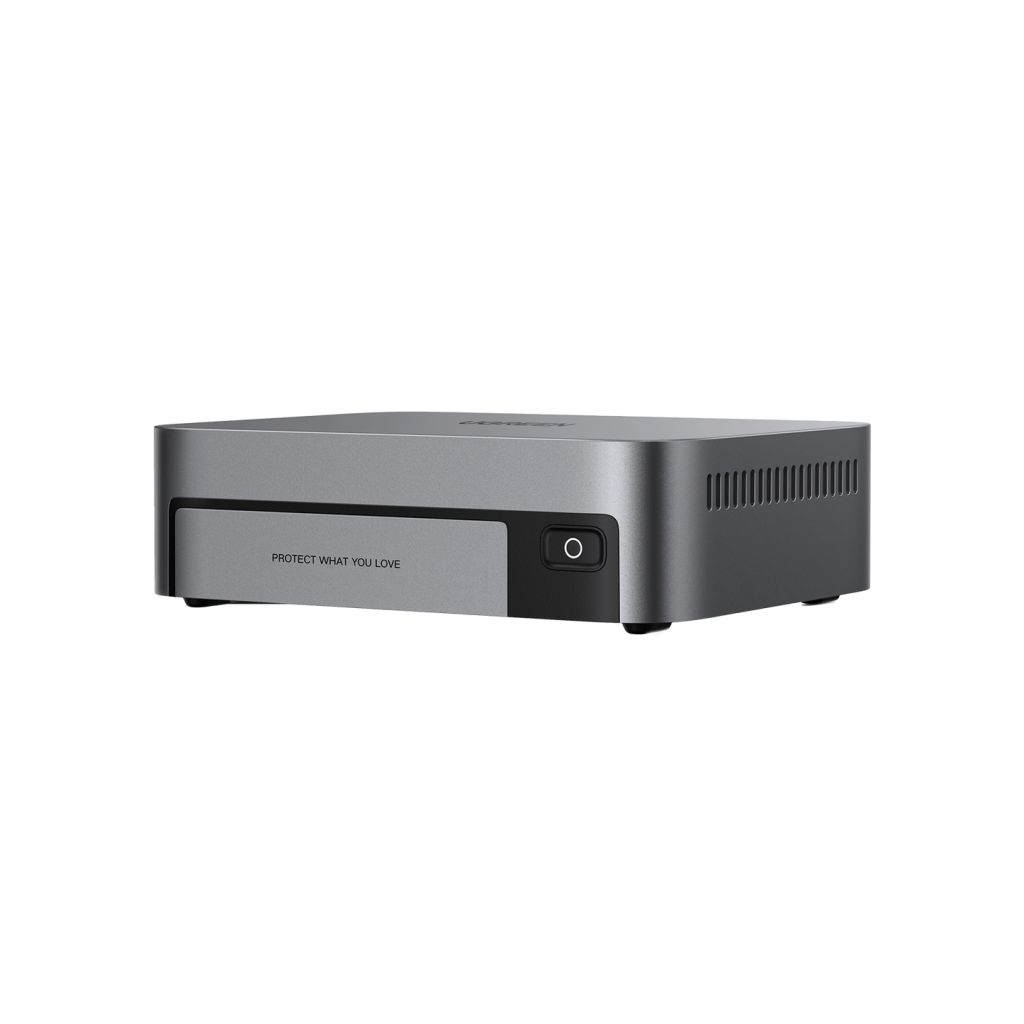
Understanding file-sharing protocols is crucial for maximizing NAS functionality. SMB/CIFS serves as the primary protocol for Windows systems, enabling seamless integration with File Explorer and network drive mapping. NFS provides high-performance access for Linux and Unix systems, ideal for development environments. Apple users benefit from AFP support, ensuring Mac-specific features like Time Machine backups work flawlessly. For specific use cases, FTP/SFTP protocols offer broad compatibility and secure file transfers, though they’re best reserved for occasional remote access or automated tasks. When configuring your NAS, selecting the appropriate protocols impacts both security and performance, with modern systems supporting simultaneous protocol access for mixed-device environments.
Critical Benefits for Tech-Savvy Users
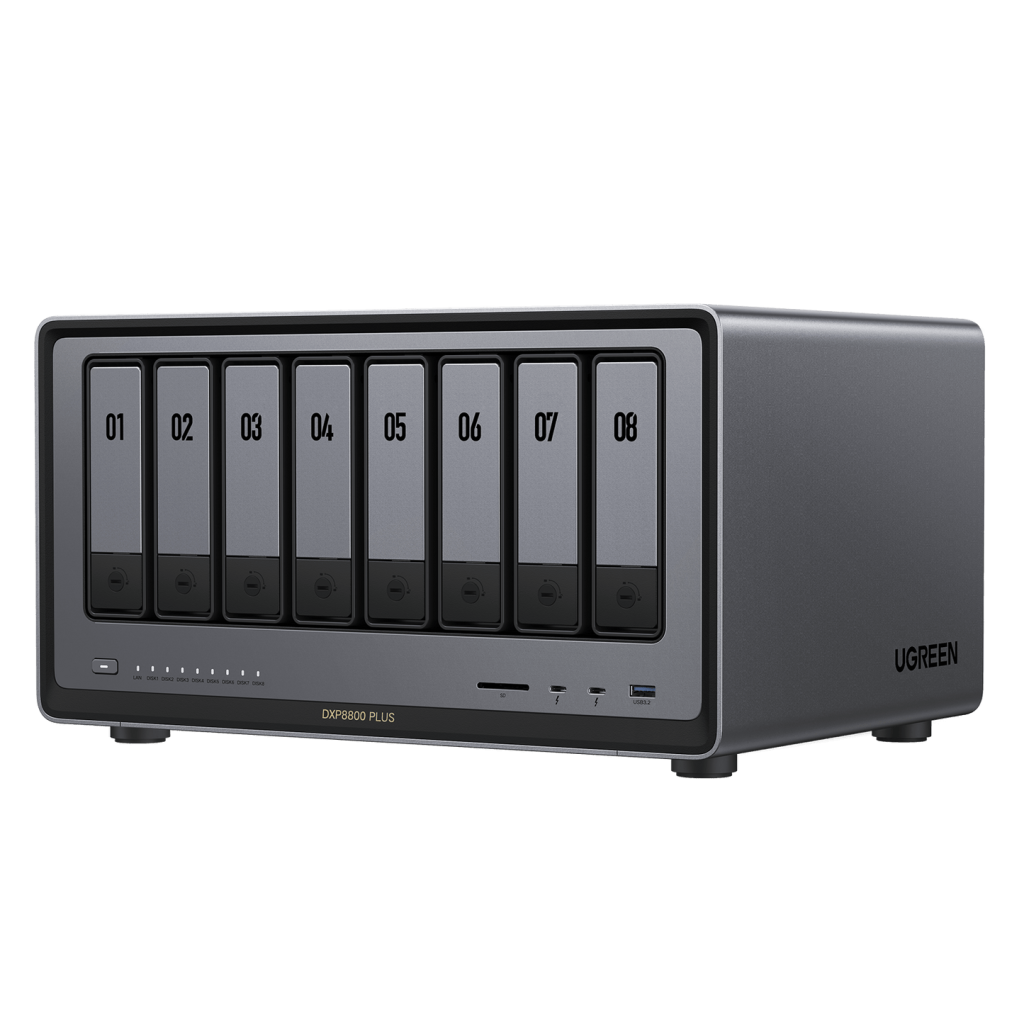
A network storage solution transforms how tech-savvy users interact with their digital content by eliminating the traditional barriers of device-specific storage. Instead of juggling files between smartphones, tablets, and computers, users can access their entire digital library from any device on the network. This centralized approach particularly shines in collaborative environments, where family members or team members can work on shared projects simultaneously through dedicated folders with granular permissions. The system’s automated backup capabilities ensure that connected devices are continuously protected without user intervention, creating incremental backups that preserve storage space while maintaining comprehensive version history. Beyond simple file storage, modern NAS systems excel as media servers, streaming your music, photo, and video collections to smart TVs, gaming consoles, and mobile devices throughout your home. Unlike cloud storage solutions that often impose monthly fees and bandwidth limitations, network storage offers unrestricted scalability – simply add more drives when needed. This local control also means faster access speeds and no recurring costs, making it an ideal solution for managing large media libraries or working with bandwidth-intensive files.
Remote Access: Your Data Anywhere Securely
Modern NAS systems extend their utility beyond local networks through robust remote access features. Setting up a secure VPN tunnel creates an encrypted connection to your home network, allowing safe access to your files from anywhere in the world. Major NAS manufacturers like UGREEN provide dedicated mobile apps and web portals that simplify remote connectivity while maintaining enterprise-grade security. Dynamic DNS services eliminate the complexity of changing IP addresses, ensuring your NAS remains accessible through a consistent web address. Two-factor authentication adds an essential security layer, requiring both password and verification code for remote login attempts. To maintain optimal performance, intelligent bandwidth management tools let you prioritize traffic and limit download speeds based on user groups or time of day.
Choosing Your Ideal Network Storage Solution
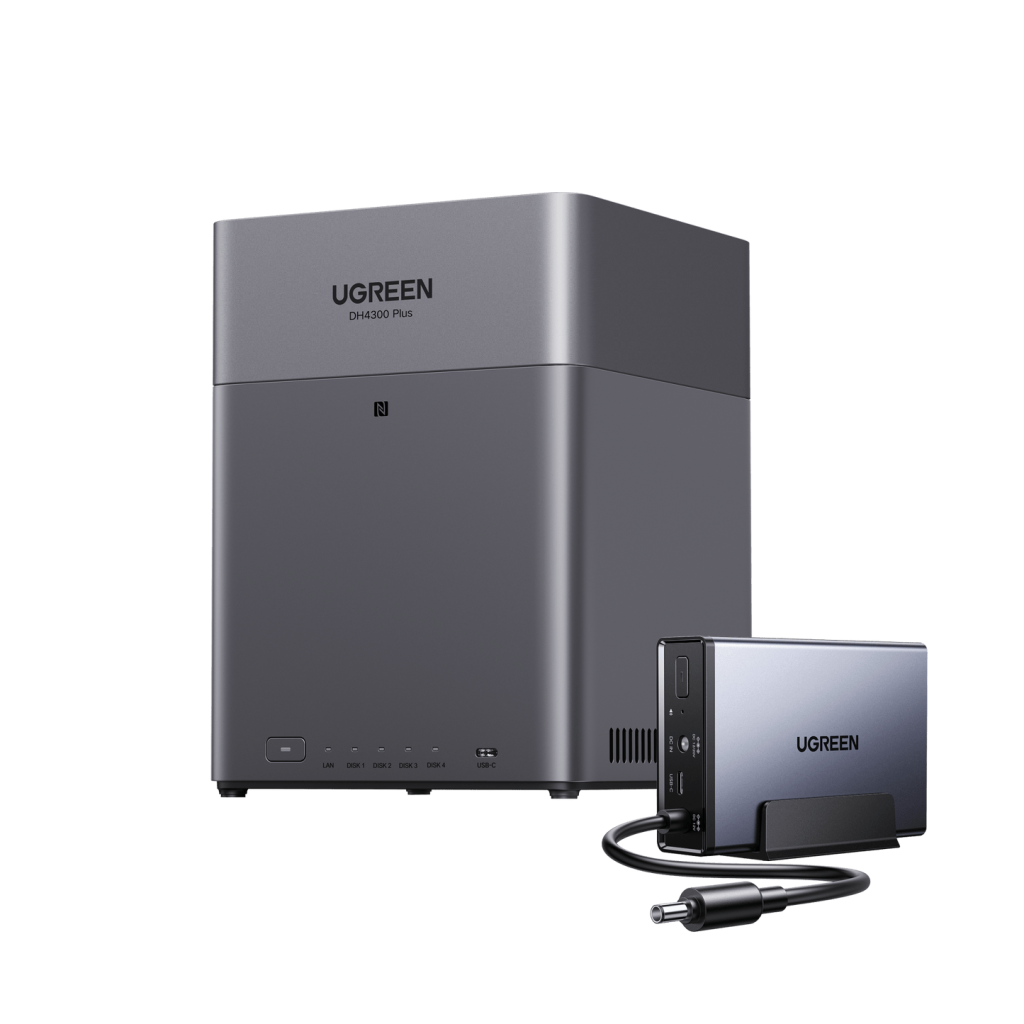
Selecting the right network storage solution requires careful consideration of your current and future needs. Start by calculating your total storage requirements – factor in existing data, growth patterns, and backup needs. A typical household managing photos, videos, and documents should plan for 2-4TB initially, while content creators or small businesses often need 8TB or more. Drive selection significantly impacts performance and reliability. Traditional HDDs offer cost-effective bulk storage ideal for media libraries and backups, while SSDs provide superior performance for frequently accessed files and databases. The system’s processor and RAM configuration determine its ability to handle simultaneous users and advanced features. Entry-level dual-core processors with 2GB RAM suit basic file sharing, but transcoding media or running virtual machines demands quad-core processors and 4-8GB RAM. Software ecosystems vary significantly between manufacturers, emphasizing different aspects from user-friendly interfaces to power user features. Consider future expansion options, including available drive bays and network connectivity. Modern NAS units support 2.5GbE or 10GbE networking, enabling faster data transfers as your needs grow.
SSD NAS: When Speed Is Non-Negotiable
All-flash NAS configurations deliver exceptional performance for demanding workflows. Video editors working with 4K footage benefit from near-instant access to project files and smooth timeline scrubbing. Multi-user environments accessing shared databases experience consistent sub-millisecond response times, essential for customer relationship management or inventory systems. Real-time collaboration on large CAD files or design projects becomes seamless with SSD-powered storage. Implementing NVMe cache drives alongside traditional storage creates a hybrid system that automatically accelerates frequently accessed data. While the cost per terabyte remains higher than HDDs, the productivity gains often justify the investment for professional workflows.
Implementing Ironclad Data Protection
RAID configurations form the foundation of robust data protection in network storage systems. RAID 1 mirrors data across drives, providing basic redundancy for critical files. RAID 5 balances storage efficiency with protection, using parity data to recover from single drive failures. RAID 6 adds double parity for enhanced reliability, while RAID 10 combines mirroring and striping for maximum performance and redundancy. Beyond RAID, implementing automated cloud backups to services like AWS or Backblaze creates an off-site safety net, protecting against local disasters or hardware failures. Modern NAS systems support versioning systems that maintain multiple file copies over time, enabling quick recovery from ransomware attacks by rolling back to unaffected versions. Implementing AES-256 encryption at rest ensures data remains protected even if drives are physically compromised. Physical security measures complete the protection strategy – install your NAS in a secure, climate-controlled location, use uninterruptible power supplies to prevent corruption during outages, and maintain strict access controls to the device itself. Regular integrity checks and notifications for drive health ensure early detection of potential failures, allowing proactive replacement before data loss occurs.
Step-by-Step Setup & Security Hardening
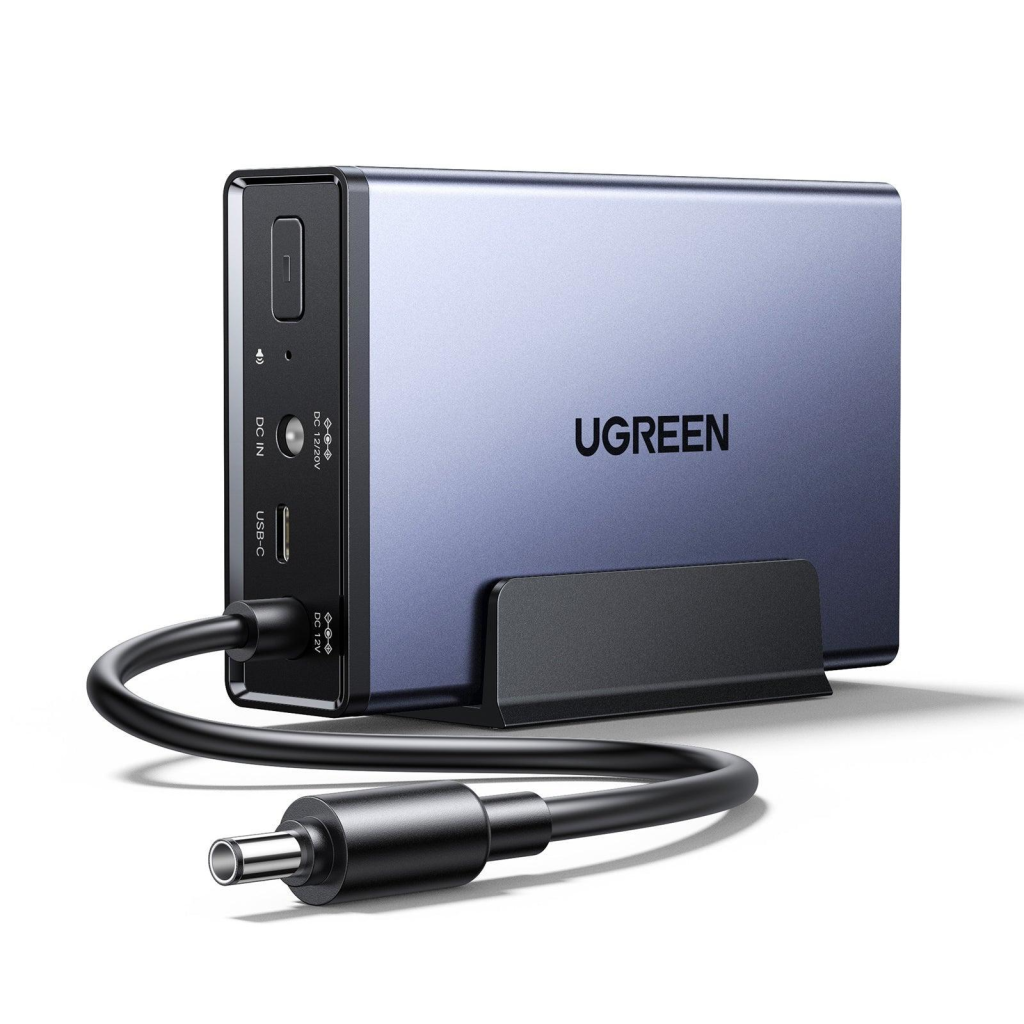
Setting up a network storage system begins with strategic placement – choose a well-ventilated, secure location with reliable power and network connectivity. During initial setup, create a dedicated admin account with a strong password and disable the default admin credentials. Configure your NAS on a separate network subnet to isolate storage traffic and enhance security. When creating user accounts, implement the principle of least privilege – grant access only to necessary folders and features for each user’s role. Enable and configure the built-in firewall, blocking all ports except those required for essential services. Set up SSL certificates for encrypted web access and enforce HTTPS-only connections. Establish automated firmware update schedules during off-peak hours to ensure security patches are applied promptly. Configure email notifications for critical events like drive failures, login attempts, or capacity warnings. Implement network access controls by whitelisting specific IP ranges or MAC addresses. Set up regular SMART drive monitoring to detect potential hardware failures early. Create an automated backup schedule for the NAS configuration itself, ensuring quick recovery if hardware replacement becomes necessary. Enable detailed system logs and regularly review them for suspicious activities. For remote access, configure VPN services using strong encryption and avoid exposing management interfaces directly to the internet. Finally, document all configuration changes and maintain an updated emergency recovery guide for system administrators.
Empowering Digital Security Through Network Storage
The digital age demands smarter approaches to data management, and network storage drives emerge as the cornerstone of a secure, organized digital life. By centralizing your files in a properly configured NAS system, you eliminate the vulnerabilities that come with scattered storage across multiple devices. These solutions offer unprecedented control over your data, from granular access permissions to automated backup systems that ensure your files remain protected against hardware failures, ransomware, and human error. The ability to access your complete digital library from any device, anywhere, transforms how you interact with your data while maintaining enterprise-grade security. Don’t wait for a data disaster to strike – take stock of your current storage setup, identify potential vulnerabilities, and consider implementing a network storage solution that matches your needs. The investment in proper data management today prevents the devastating losses that Sarah, Tom, and countless others have experienced. Your digital assets deserve nothing less than the comprehensive protection and accessibility that modern network storage solutions provide.